Web Client
Installation
On the Centreon Central machine
# yum install centreon-map4-web-client
Web
Log in the Centreon Web interface, with a user with installation privilege and install the new module from the extension manager.
Centreon -> Administration -> Extensions

Click on ‘install Module’

Then on ‘Back’
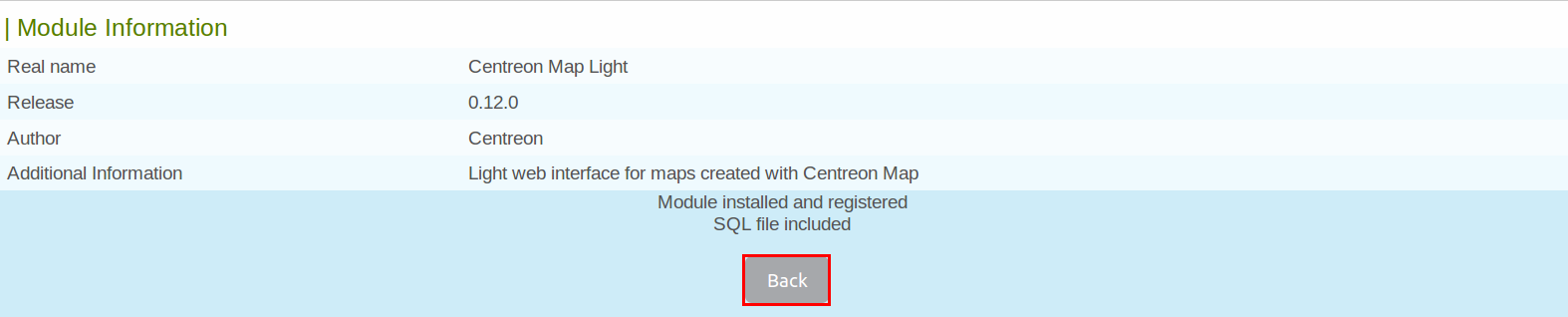
The module is now installed
Configuration
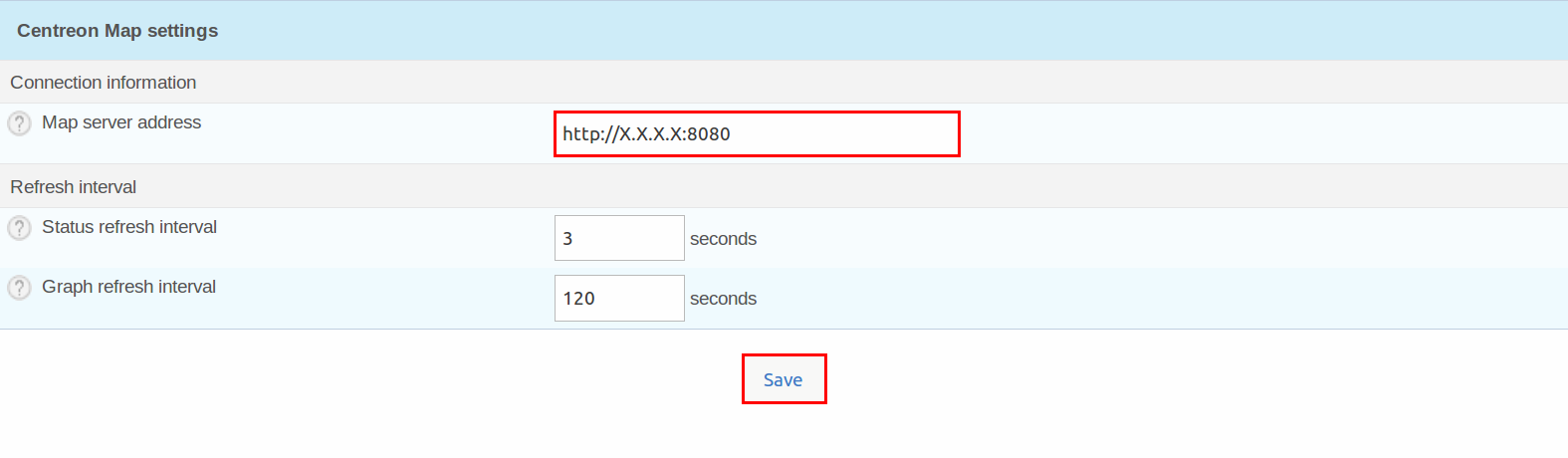
Go to Administration -> Extensions -> (sidebar) Options in the Modules Options menu
Note
Use the actual IP, localhost doesn’t work
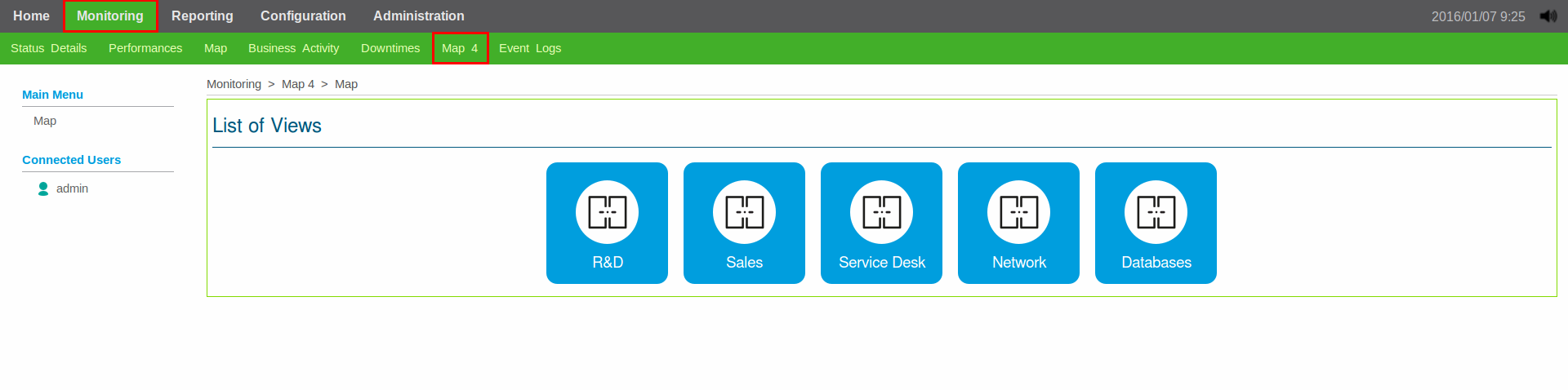
Widget Map 4
By installing the web client, you automatically add the Map 4 widget. To install it, go to Centreon -> Administration -> Widget
