Desktop Client
Executables
The desktop client is currently available for Windows, Mac and Linux plateforms (Debian and Ubuntu), both in 64 bits.
You can find the installers on this download page.
Installation
On user’s computer
The desktop client needs Java 8 or more. You can download and install the latest version of Java from here.
Warning
Be sure to download 64bits version. Browsers are usually 32bits and Oracle website tends to propose Java version 32bits instead of 64bits. If you already have java installed, use java -version to check architecture, if 64bits does not appear its a 32bits version.
Warning
On Mac platform please note that you have to install Oracle JDK instead of usually required JRE.
To ensure the version of Java you have installed use command :
java -version
For Windows:
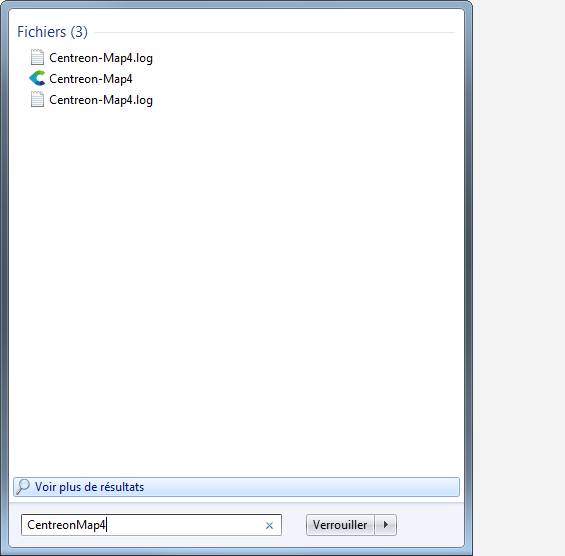
Execute centreon-map4-desktop-client*.exe.
Note
You don’t need to be an administrator of your computer to install it. All the installed files are located in your personnal folders.
Default installation folder is C:UsersuserAppDataLocalCentreon-Map4
This allows to install the software without admin rights, but it can be modified to Program files if the user has the needed rights.
The installer installs the software properly and fully integrates it to the Windows environment. It also allows to uninstall it from the Windows dedicated configuration page.
For Debian:
Download the provided DEB file, then enter the command in the root directory :
$ sudo dpkg -i centreon-map4-desktop-client*.deb
Or you can open the DEB file with the Ubuntu software Center.
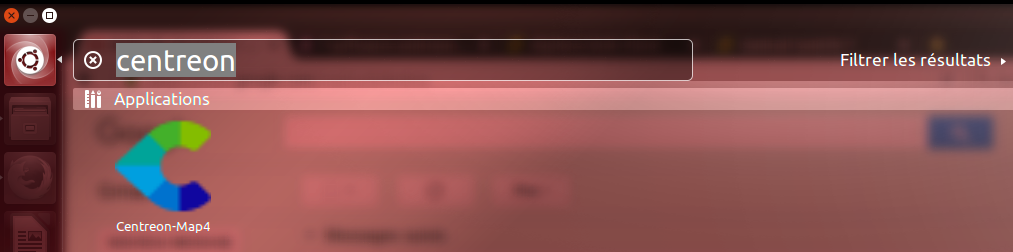
You should now be able to execute Centreon-Map4.
$ centreon-map4
You can also find it in the list of installed applications.
Updates
Once installed, the desktop client is automatically kept up-to-date though an online updates system. When it connects to a Centreon Map 4 server it automatically downloads and install the last version compatible with the server. In order to do that, your computer must have an internet access. Otherwise your Map 4 desktop client will not do any upgrade.