Changes to Centreon’s configuration
Each time you make changes to Centreon’s configuration and push the configuration to any poller, the configuration is scanned and updated on Centreon MAP.
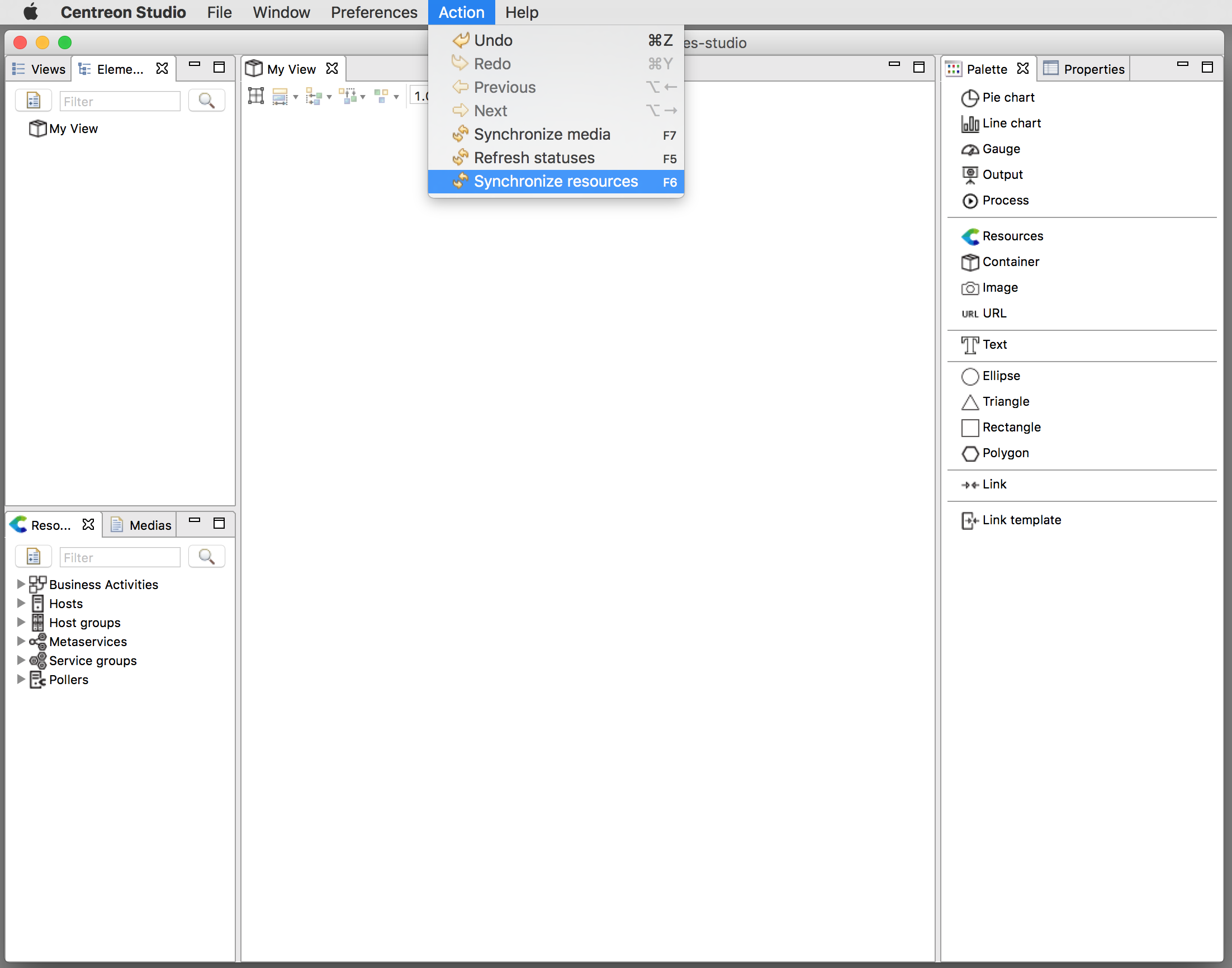
However, if you make any changes (add/delete/update) to Centreon’s resources and want these changes to be immediately synchronized on your Centreon MAP without pushing the configuration, you can force a resource synchronization from Centreon MAP’s desktop client through the following menu “Action > Synchronize resources.”
This operation may take a few seconds. A pop-up will tell you when the synchronization is complete.