Links
Centreon Map allows you to create links between elements. 3 kind of links exist:
Simple link: A simple colored link.
Status link: The color of the link is based on the status of a service.
Metric link: Display the % of a metric and color the link according to this value.
Simple links
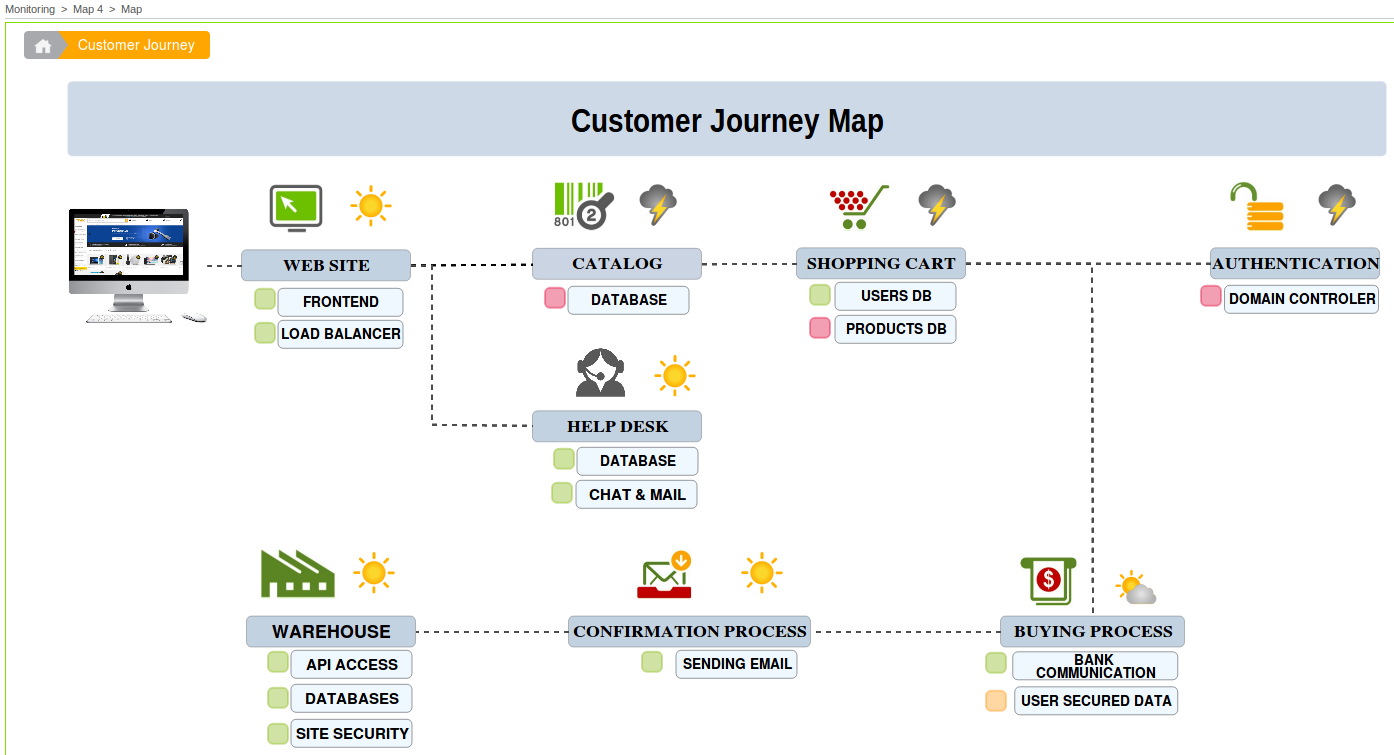
As there is not much to say about simple links, let’s just look at an example. This view is using simple links to show the logical connections between different parts of the view.
Status links
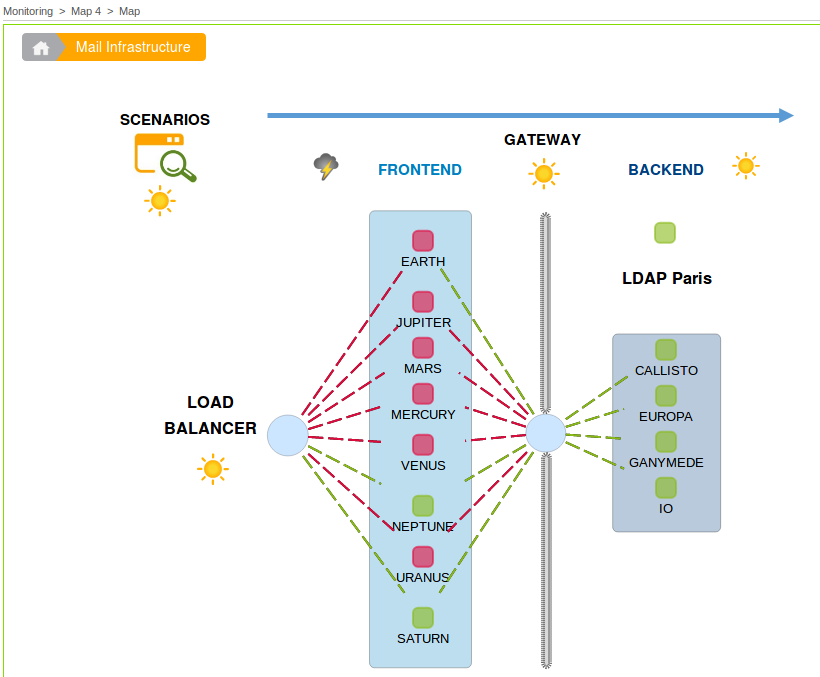
Status links can be used to represent whether or not a host can ping another host. This map display the availability of a load balancer and the hosts between it.
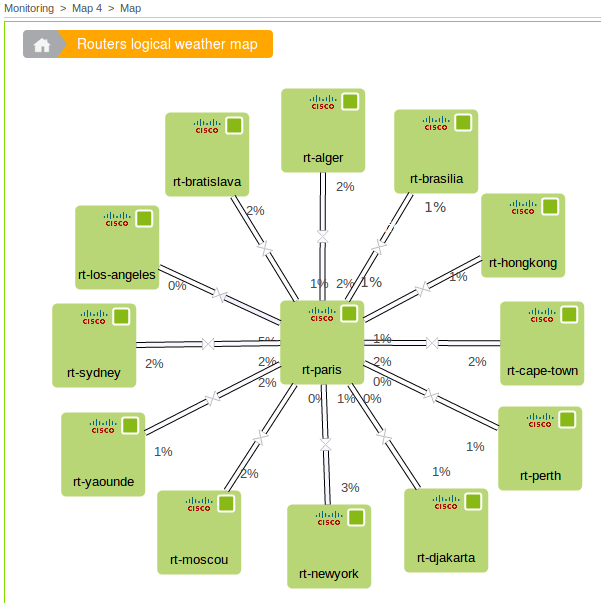
Metric link
When configuring a metric link, you must choose a metric to associate with it. If you link is double, you need to choose 2 metrics.
A good example is the traffic metric. You generaly have a traffic_in and traffic_out associated with your traffic service.
Warning
In order to display the value in % and compute the color of the link, all the metrics used need to have a min and a max. Otherwise you will not be able to click the Finish button of the wizard.